You try to upload a photo. The site says: “Maximum file size: 2 MB.” Your photo says 800 KB.
Will it work?
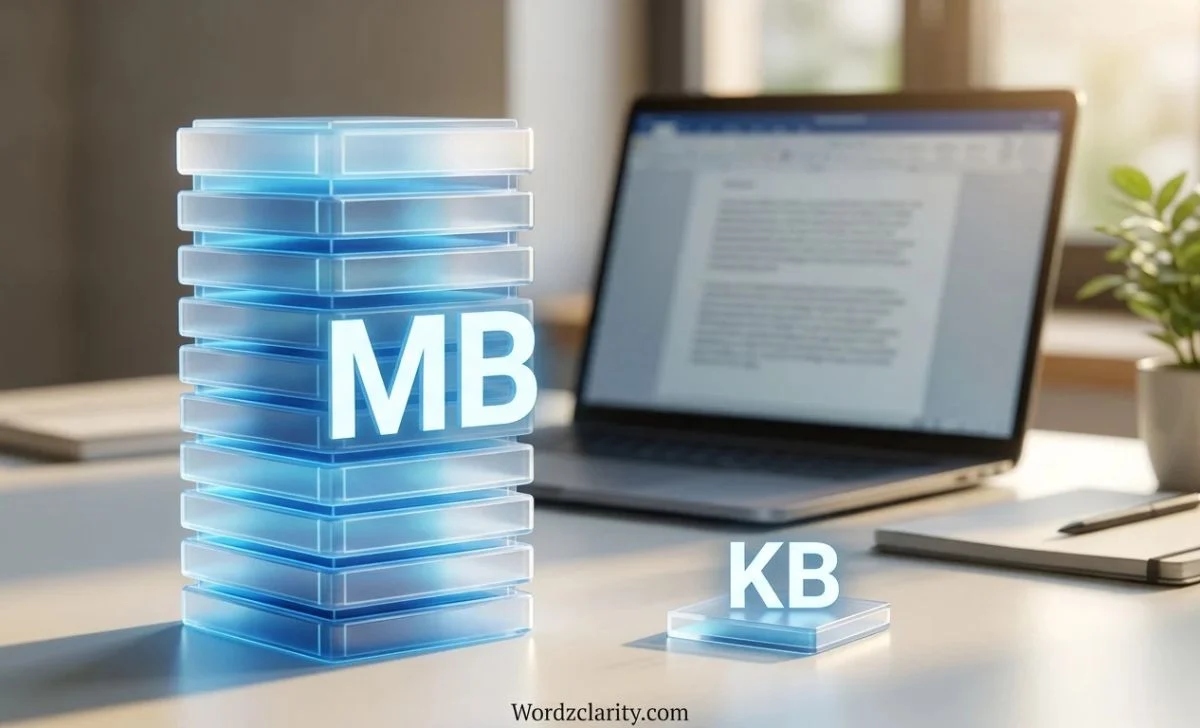
Yes. And here is why: MB is bigger than KB. One megabyte holds about a thousand kilobytes.
This guide explains the difference, shows how to convert between them, and clears up the one mix-up that trips up almost everyone.
Is MB or KB Bigger? The Quick Answer
MB (megabyte) is bigger than KB (kilobyte).
- 1 MB = about 1,000 KB (decimal)
- 1 MB = 1,024 KB (binary)
Either way, a megabyte is roughly one thousand times larger than a kilobyte.
So a 2 MB limit is plenty for an 800 KB photo. In fact, you could fit more than two of them.
What Do KB and MB Stand For?
Both units measure digital data. Both build on the byte.
The Byte
A byte is the basic unit of digital storage. It holds one character of plain text, like the letter “A.”
KB: Kilobyte
The prefix “kilo” means thousand. A kilobyte is roughly one thousand bytes.
MB: Megabyte
The prefix “mega” means million. A megabyte is roughly one million bytes.
Here is an easy memory trick: Kilo = thousand. Mega = million. The bigger prefix means the bigger unit.
How Many KB Are in 1 MB?
This is where articles disagree. Some say 1,000. Others say 1,024. Both are correct. They use different systems.
The Decimal System (1,000)
The metric system counts in thousands. Under this system:
- 1 KB = 1,000 bytes
- 1 MB = 1,000,000 bytes
- 1 MB = 1,000 KB
Hard drive and phone makers use this system. So do many websites and network tools.
The Binary System (1,024)
Computers count in powers of two. Under this system:
- 1 KB = 1,024 bytes (2¹⁰)
- 1 MB = 1,048,576 bytes (2²⁰)
- 1 MB = 1,024 KB
This is the old, traditional way. It fits how memory actually works.
Why Two Systems Exist
Early engineers noticed that 1,024 sits very close to 1,000. They borrowed the metric prefixes for convenience. The habit stuck.
To fix the confusion, standards groups created separate binary names: KiB (kibibyte) and MiB (mebibyte). One MiB equals exactly 1,024 KiB. Few people use those names in daily life, though.
What This Means for You
Operating systems also disagree. Windows has long used the binary count while still labeling the result “KB” and “MB.” macOS switched to the decimal count years ago.
This is why a drive sold as 128 GB can show up as roughly 119 GB in Windows. Nothing is missing. The two systems just count differently.
How to Convert KB to MB (and Back)
The math is simple.
KB to MB
Divide by 1,024. Or divide by 1,000 for a quick estimate.
- 2,048 KB ÷ 1,024 = 2 MB
- 500 KB ÷ 1,024 = about 0.49 MB
MB to KB
Multiply by 1,024. Or multiply by 1,000 for a quick estimate.
- 5 MB × 1,024 = 5,120 KB
- 0.5 MB × 1,024 = 512 KB
Quick Conversion Table
| KB | MB (approx.) |
|---|---|
| 100 KB | 0.1 MB |
| 500 KB | 0.5 MB |
| 1,024 KB | 1 MB |
| 5,120 KB | 5 MB |
| 10,240 KB | 10 MB |
| 25,600 KB | 25 MB |
The Digital Storage Ladder
Each step up is about one thousand times bigger.
| Unit | Short form | Roughly equals |
|---|---|---|
| Byte | B | One text character |
| Kilobyte | KB | 1,000 bytes |
| Megabyte | MB | 1,000 KB |
| Gigabyte | GB | 1,000 MB |
| Terabyte | TB | 1,000 GB |
Read it left to right, and each unit gets bigger.
Real-Life Examples: What Fits in KB and MB?
Numbers feel abstract. Examples make them real.
Things That Usually Measure in KB
- A page of plain text: a few KB
- A simple text document: a few KB to a few hundred KB
- A small web icon or compressed image: tens to hundreds of KB
Things That Usually Measure in MB
- A phone photo: roughly 1 to 10 MB, depending on resolution
- An MP3 song: roughly 3 to 10 MB
- A PDF with images: one to several MB
- A short HD video clip: roughly 50 to 200 MB
A Real-World Mix-Up
Say your email limit is 25 MB. You try to send a file listed as 30,000 KB.
Divide 30,000 by 1,024. You get about 29.3 MB. That is over the limit, so the email may fail.
A quick conversion saves you a bounced message.
MB vs Mb: The Mix-Up That Costs People Money
Here is the mistake most people make. Capital B and lowercase b mean different things.
- MB = megabyte (storage and file size)
- Mb = megabit (internet and data speed)
One byte holds 8 bits. So a megabyte is eight times larger than a megabit.
Why It Matters for Internet Speed
Internet plans use megabits per second (Mbps). File downloads show megabytes.
To convert, divide by 8.
- 100 Mbps ÷ 8 = 12.5 MB per second
So a 100 Mbps connection will not download a 100 MB file in one second. It takes around eight seconds in ideal conditions.
The same trick works with KB. A speed of 800 Kbps equals about 100 KB per second.
KB vs MB: Which Should You Use?
Pick the unit that keeps the number easy to read.
- Use KB for small files, like text documents and tiny images.
- Use MB for larger files, like photos, songs, and PDFs.
- Switch to GB once you pass about 1,000 MB.
A file that is “0.002 MB” is awkward. “2 KB” reads far better.
Why Smaller File Size Matters
Bigger files cost you more.
- Storage: They fill your phone and laptop faster.
- Speed: They take longer to upload, download, and load.
- Data plans: They burn through your mobile data.
- Limits: Many sites cap uploads at a few MB.
How to Shrink a Large File
- Compress images before uploading.
- Save photos as JPEG instead of uncompressed formats like BMP.
- Export PDFs with a “smaller size” option.
- Zip several files into one archive.
- Lower the resolution of videos when you can.
Format matters a lot. A JPEG can show a big image in a small number of KB, while an uncompressed BMP of the same image can take many MB.
Common Mistakes to Avoid
- Thinking KB is bigger because the number looks bigger. 5,000 KB is only about 5 MB. Always compare units, not just numbers.
- Mixing up MB and Mb. Check the capital B.
- Forgetting the 1,000 vs 1,024 difference. Expect small gaps between tools.
- Using the wrong unit in forms. If a form asks for KB, convert before you enter a number.
- Ignoring compression. Two images of the same size on screen can differ hugely in file size.
FAQs
Is a KB or MB bigger?
MB is bigger. One MB equals about 1,000 to 1,024 KB.
Is 500 KB bigger than 1 MB?
No. 500 KB is about half an MB.
Is 1,000 KB the same as 1 MB?
In the decimal system, yes. In the binary system, 1 MB is 1,024 KB, so it is nearly the same.
How many KB are in 5 MB?
About 5,000 KB in decimal. Exactly 5,120 KB in binary.
What is bigger than MB?
GB (gigabyte) is next, then TB (terabyte), then PB (petabyte).
What is smaller than KB?
The byte is smaller. It is the basic unit.
Is MB the same as Mb?
No. MB is megabytes. Mb is megabits. A byte holds 8 bits.
How do I convert 2,000 KB to MB?
Divide by 1,024. You get about 1.95 MB.
Final Thoughts
The answer is simple. MB is bigger than KB. A megabyte holds about a thousand kilobytes.
Remember three things: kilo means thousand, mega means million, and capital B means bytes while lowercase b means bits.
Now you can read any file size with confidence, and upload that photo without worry.
Read More Blogs
- Analysed or Analyzed: The Difference Between These Spellings
- Enquiry vs Inquiry: The Complete Guide to Meaning and Usage
- Bachelor’s Degree or Bachelors Degree: Which Is Correct?